Frameworks & planning
- Curated & custom frameworks
- Focuses, elements & questions
- Campaign time periods
- Walk cycles
- School terminology
- Scheduled & ad-hoc activity
Plan purposeful visits, gather evidence consistently, check its quality and turn what you find into improvement — all in one joined-up system.
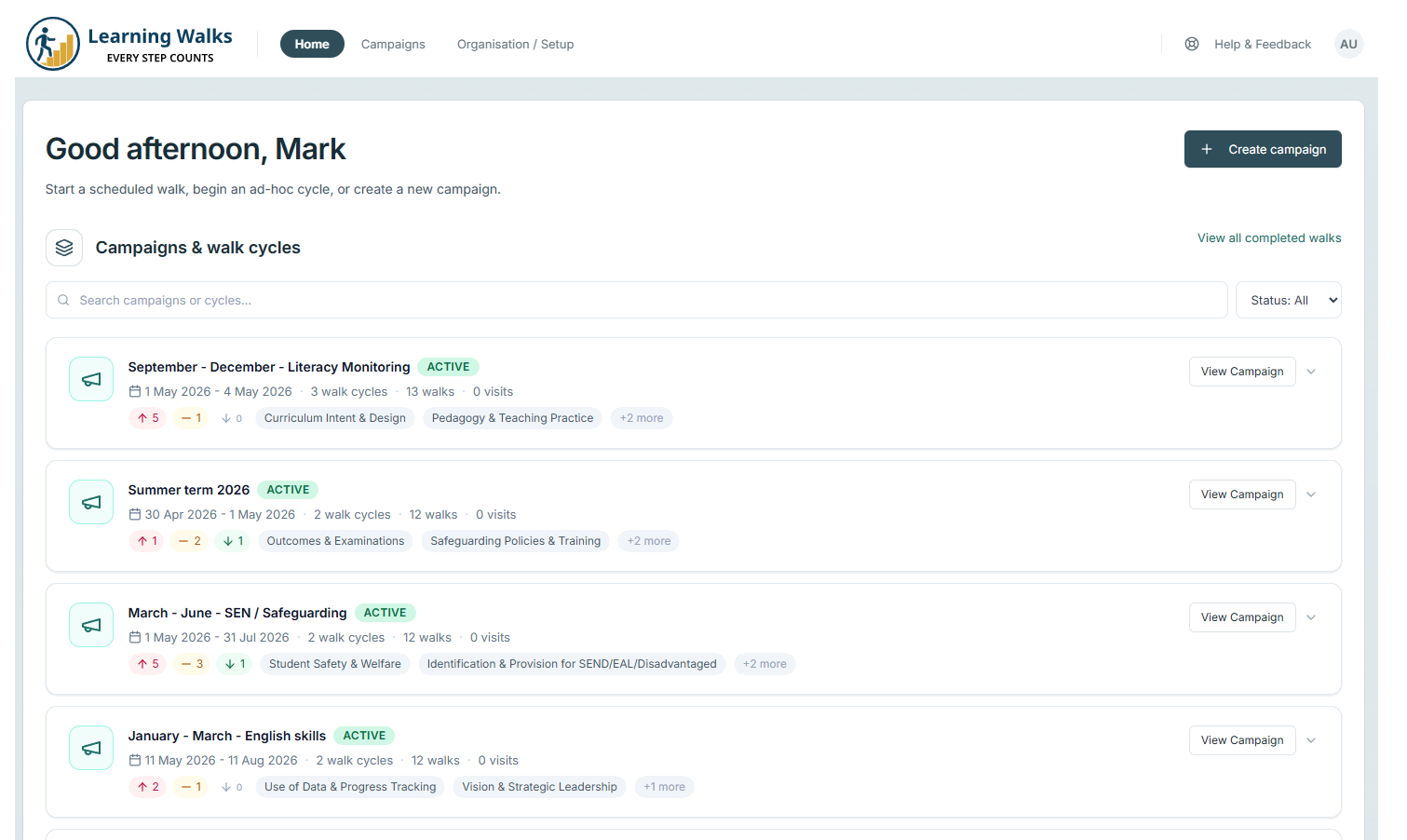
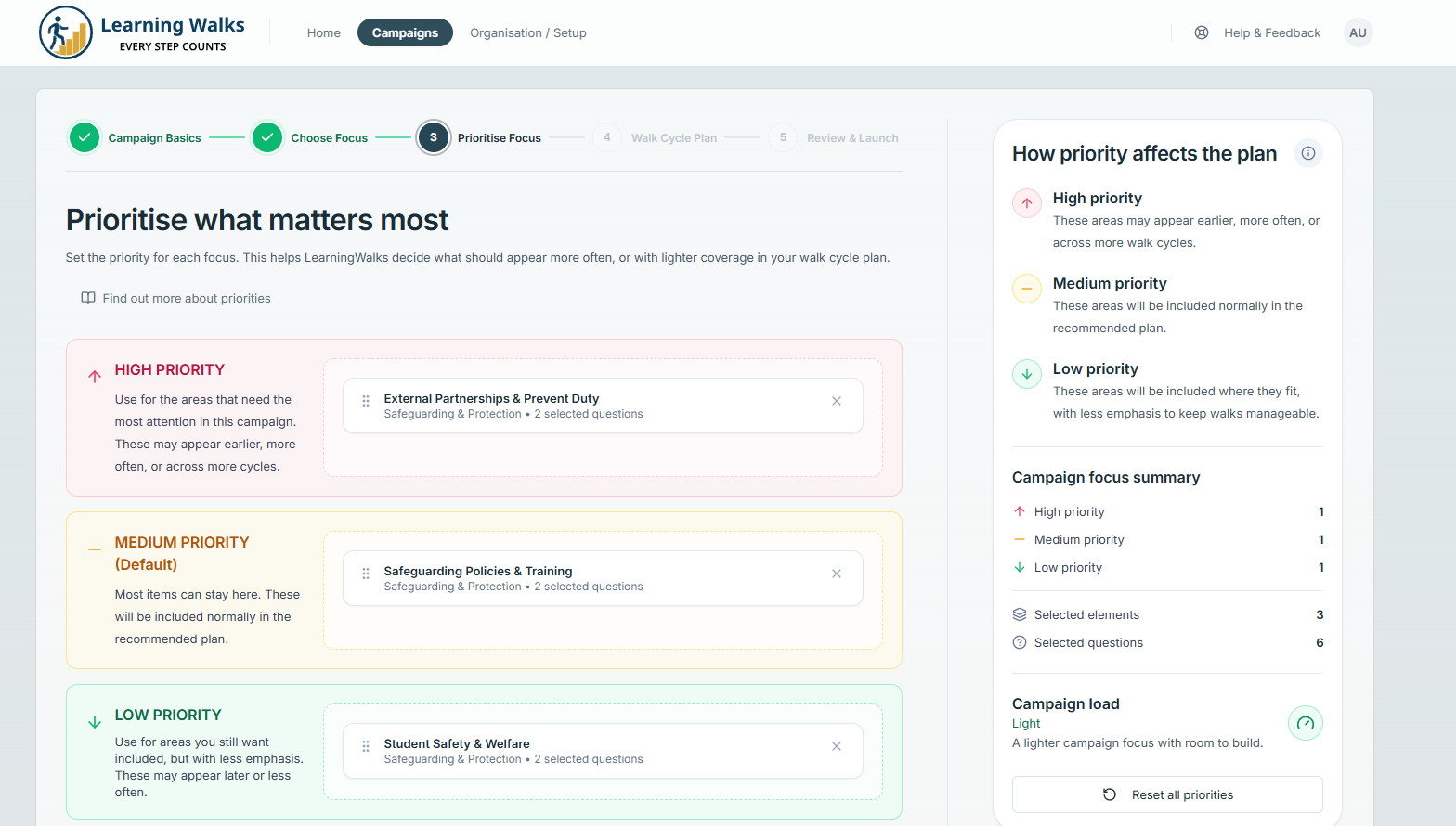
Learning Walks covers the whole process from deciding what to look for through to checking whether the evidence is strong enough to act on. Every school gets the complete platform — the sections below show what is included.
Create guided learning walks around the areas that matter most. Clear focuses, elements and questions help every observer gather evidence in the same way.
Less variation between observers. More confidence in what the evidence is telling you.
Explore frameworks in detail →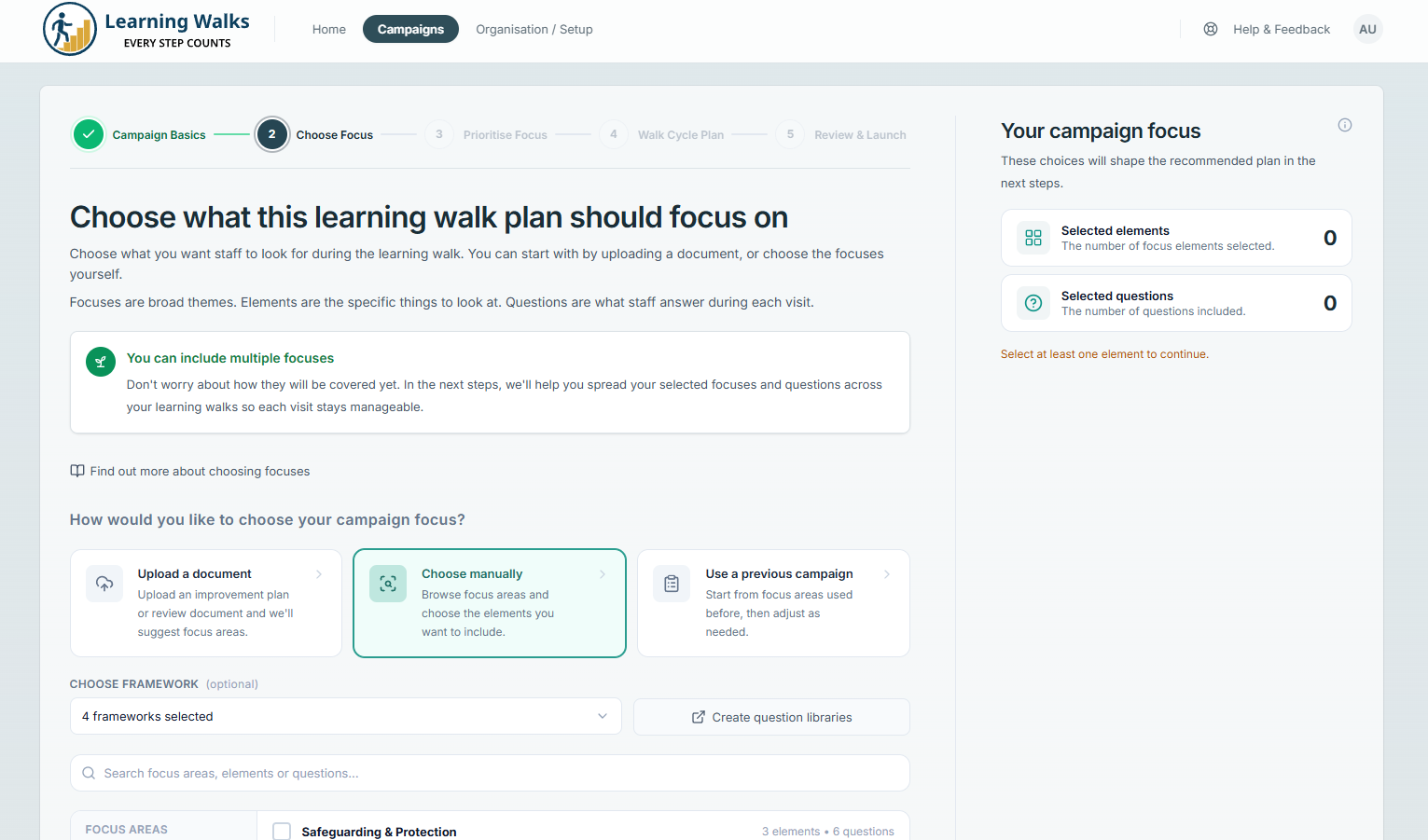
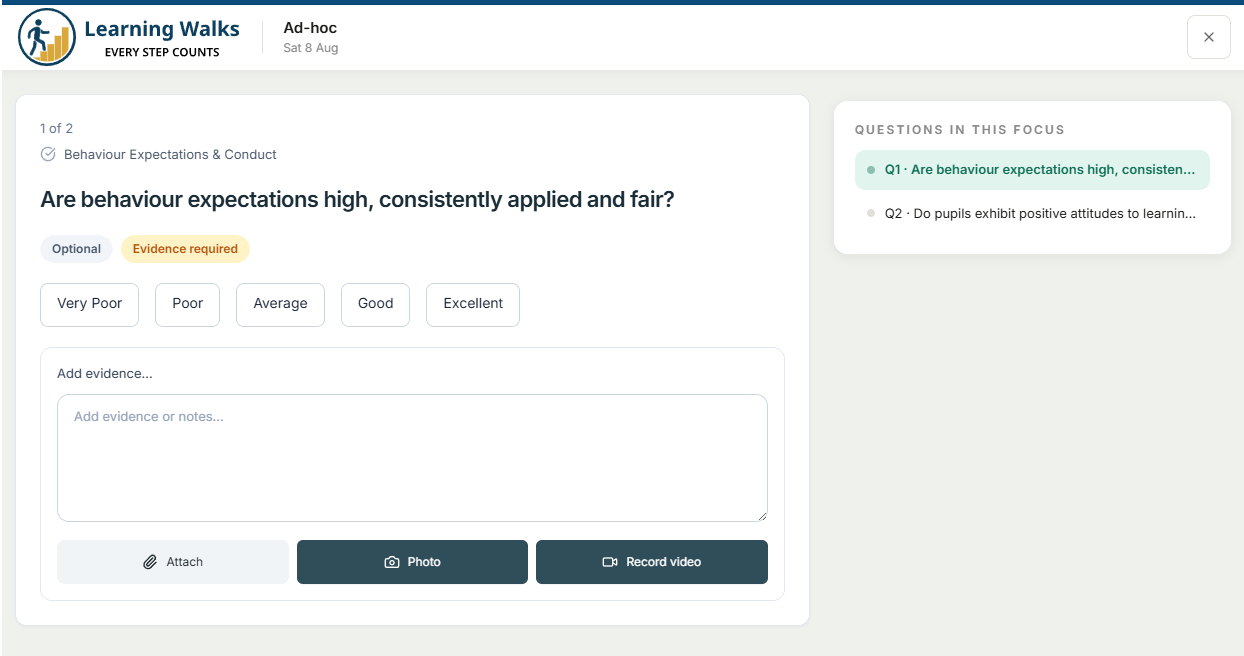
Notes and photographs sit alongside individual questions rather than disappearing into a generic visit record. That gives leaders a clear line from response to evidence.
Attach a note or photograph directly to the relevant question while completing the walk.
Authorised leaders can review, rate and approve evidence before it contributes to reporting.
See who completed a walk, when evidence was recorded and how it was reviewed.
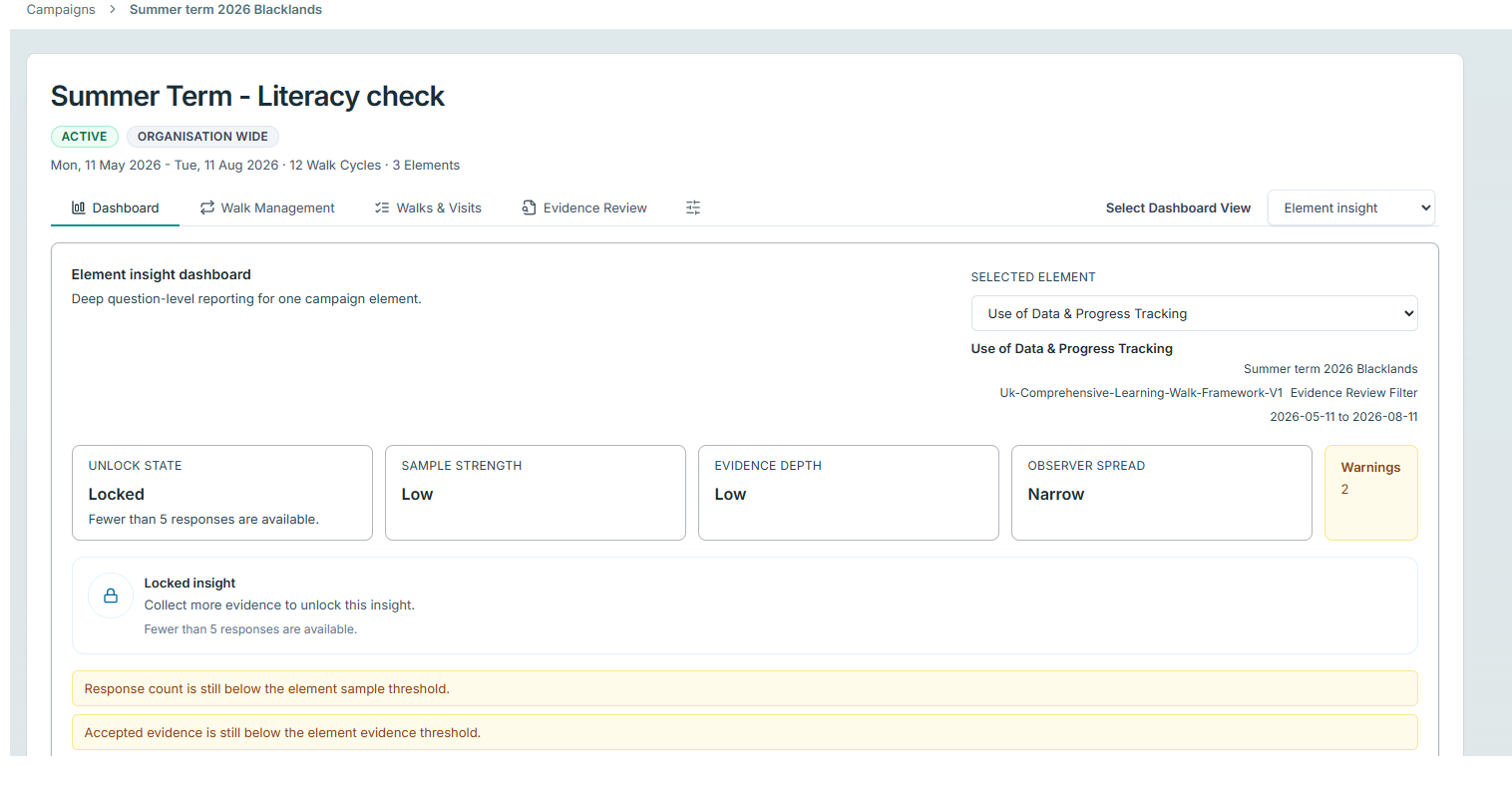
Explore responses, evidence, coverage and change over time — then move from the headline back to the evidence behind it.
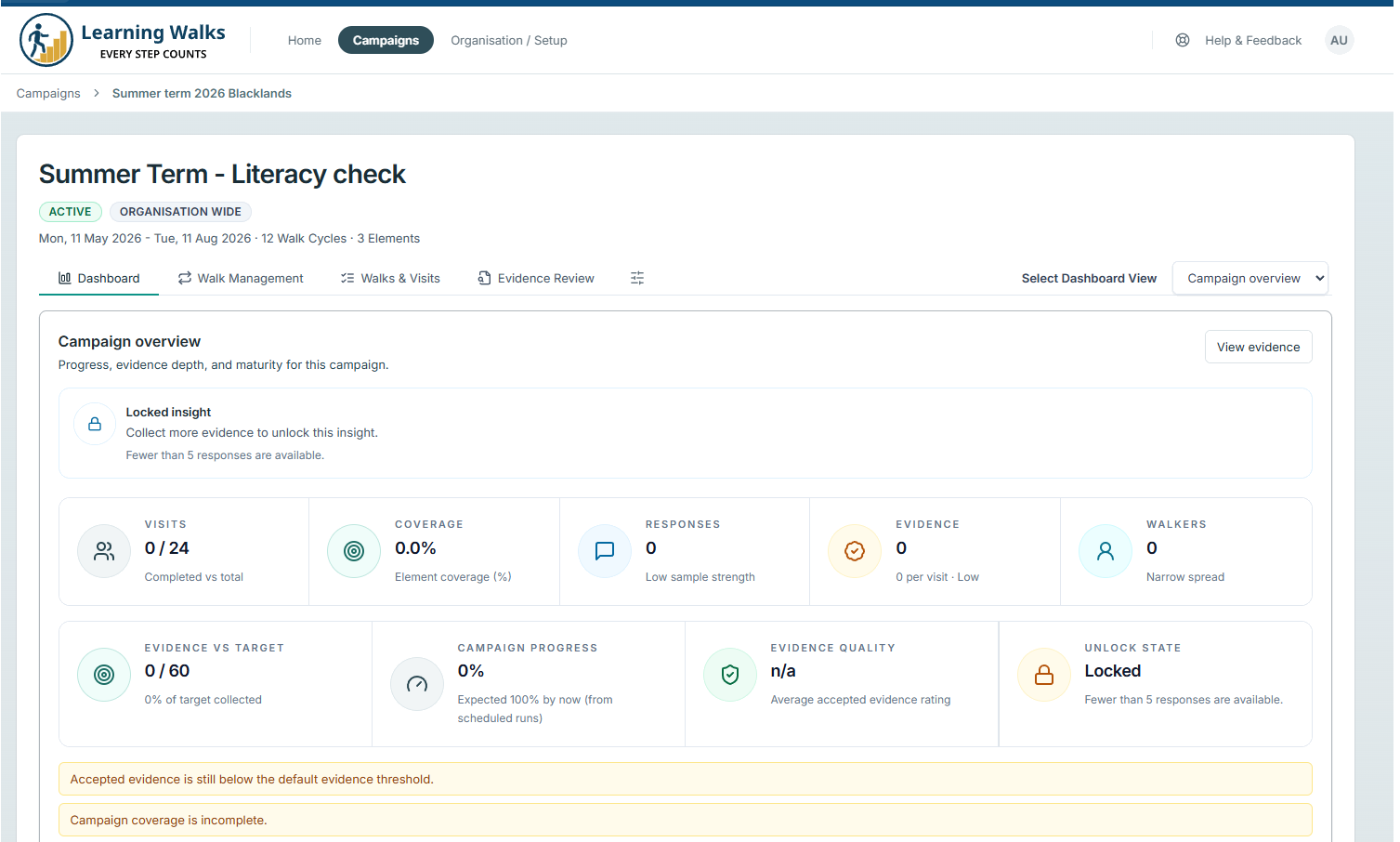
Progress, coverage and the overall evidence picture in one view.
Drill from framework level into individual elements and questions.
Understand participation, observer spread and what has — or has not — been seen.
Compare walk cycles and compatible campaigns side by side, then export reports.
The easier it is to take part, the more complete your evidence becomes.
Invite a guest to complete a walk securely without another password to remember.
Give each user one clear place to see the walks and activities expected from them next.
Plan ahead when you need structure or begin immediately when an opportunity arises.
Complete walks and capture evidence from a phone, tablet or computer while moving around school.
Each school controls its own users, frameworks, walks and evidence. Authorised organisation leaders can see activity and insight across the group from the organisation level.
School comparisons are only presented where the underlying framework and data are genuinely compatible. If a comparison is limited or unsupported, Learning Walks explains why instead of creating a misleading league table.
Explore Learning Walks for trusts →Local users, frameworks, walks and evidence remain under school control.
Give authorised trust leaders organisation-wide reporting and visibility across multiple schools.
Coordinate shared improvement work while retaining school-level context and permissions.
Manage shared frameworks centrally, with controlled school-specific adaptation.
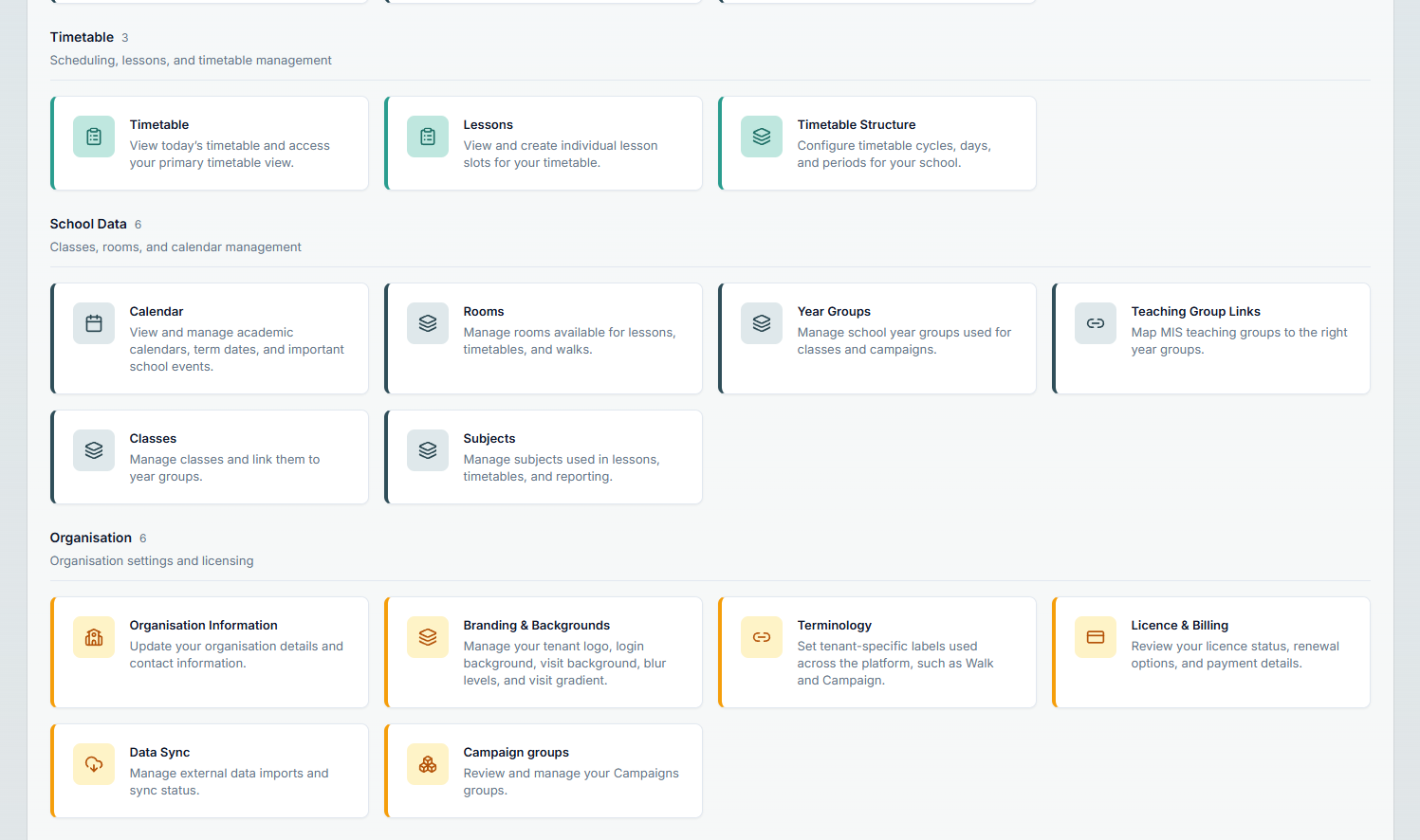
Schedule against lesson periods, rooms, staff, subjects and year groups. Get started quickly with CSV imports for staff, classes, rooms, subjects, year groups and timetables, then keep school information current through supported MIS synchronisation including Xporter.
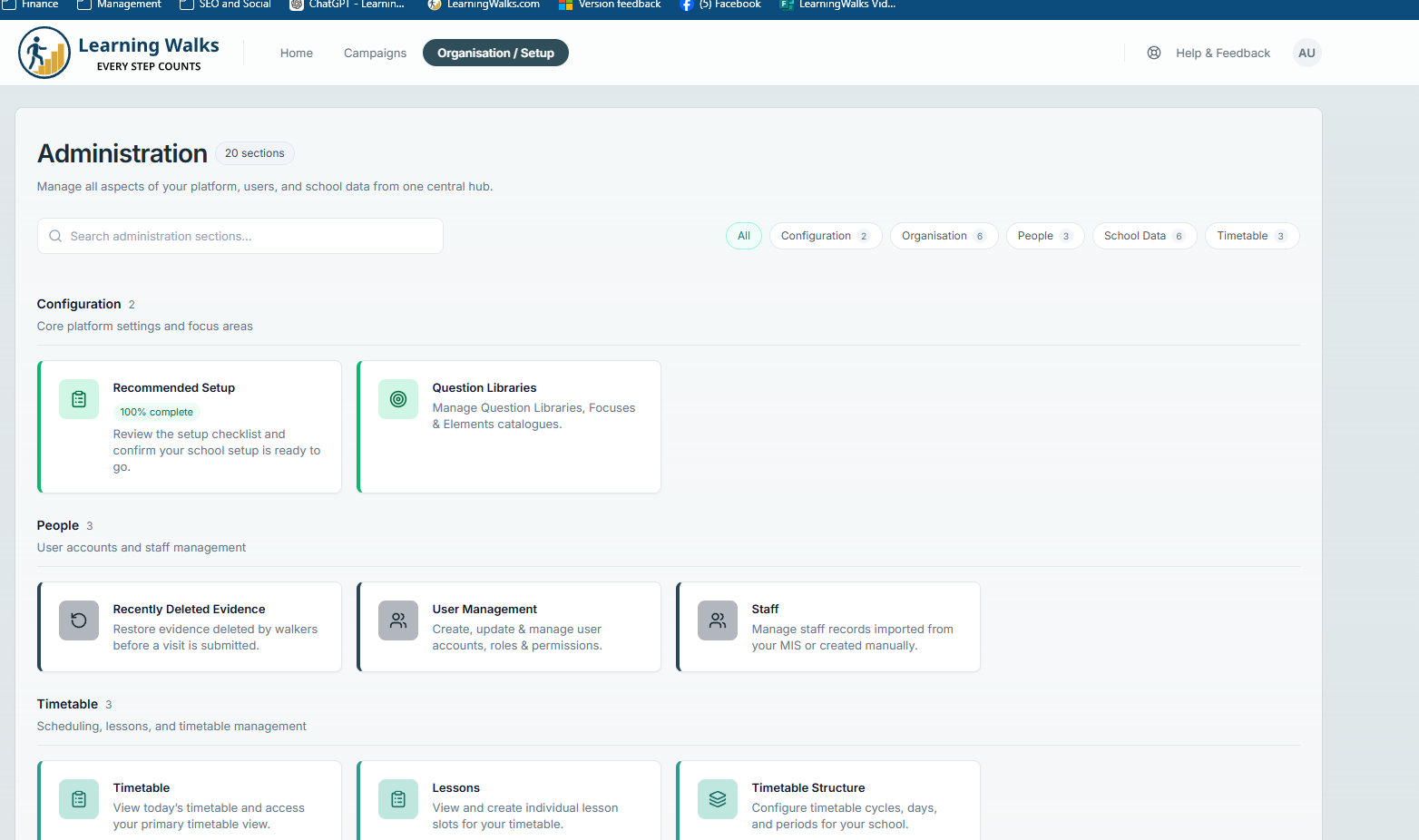
Run Learning Walks at school or organisation level with clear roles, secure access and a complete record of activity.
Administrators, walkers, viewers, site managers and organisation roles, with secure guest access when someone only needs to complete a walk.
Track user activity, login history and key changes through audit logging and a full audit trail.
Manage campaigns, frameworks, evidence moderation, users, schools, organisations and reporting from the administration area.
Create a more consistent, evidence-led and useful approach to learning walks across your school or trust.